Here’s Acme Dental’s quarterly review.
Every page is part of MSPortal. Clients can open any of it in your portal, any day.
No more “What am I paying you for?”
It opens with the work you did, in plain language. AI drafts it; you edit before it’s sent.
Fewer 1 PM Friday “any update?” calls.
Clients see who has their request and what happens next, without picking up the phone.
“Are we secure?” is answered before it’s asked.
Clients check their own security score, with your recommended fix beside each finding.
Recommendations get approved, not filed.
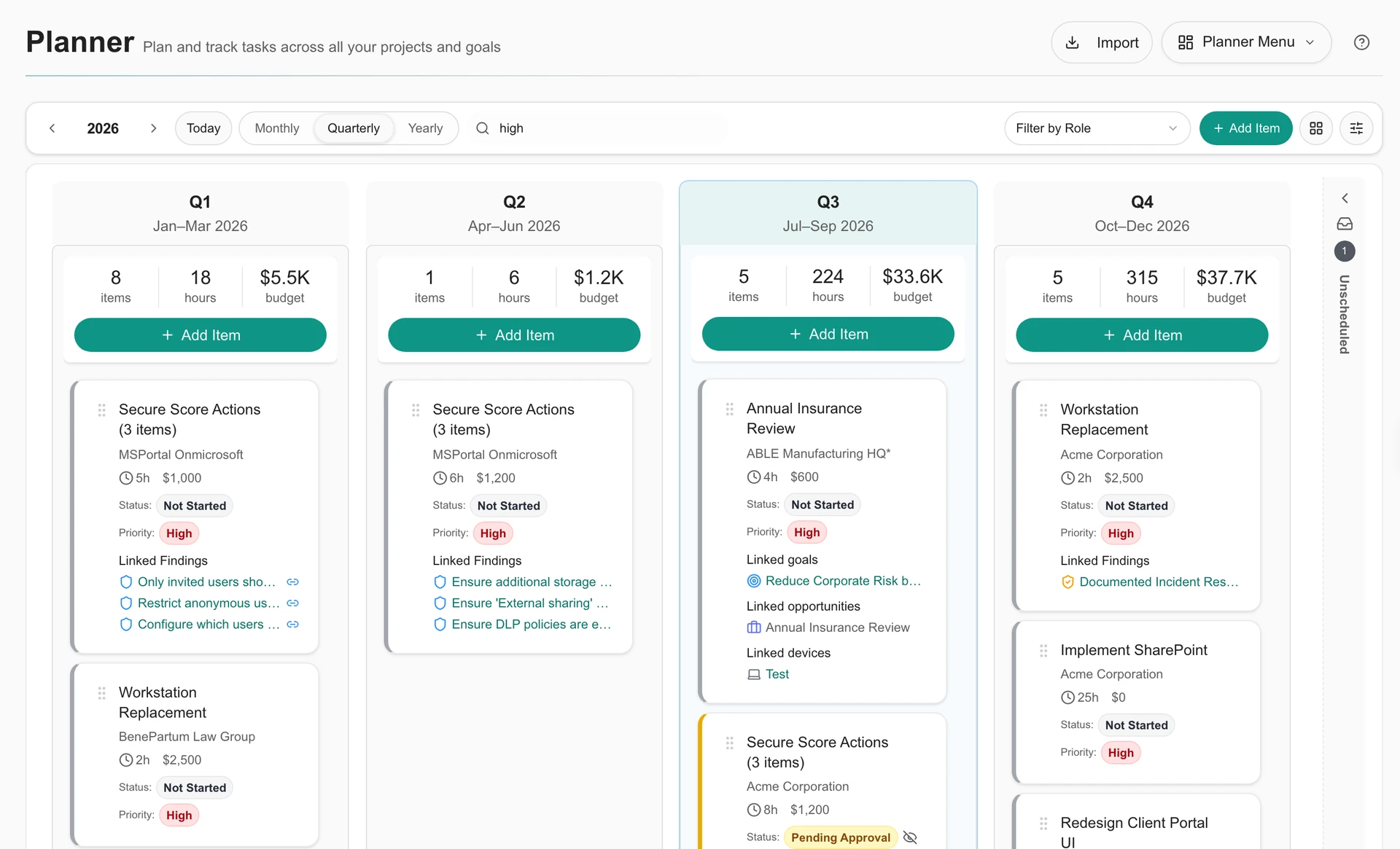
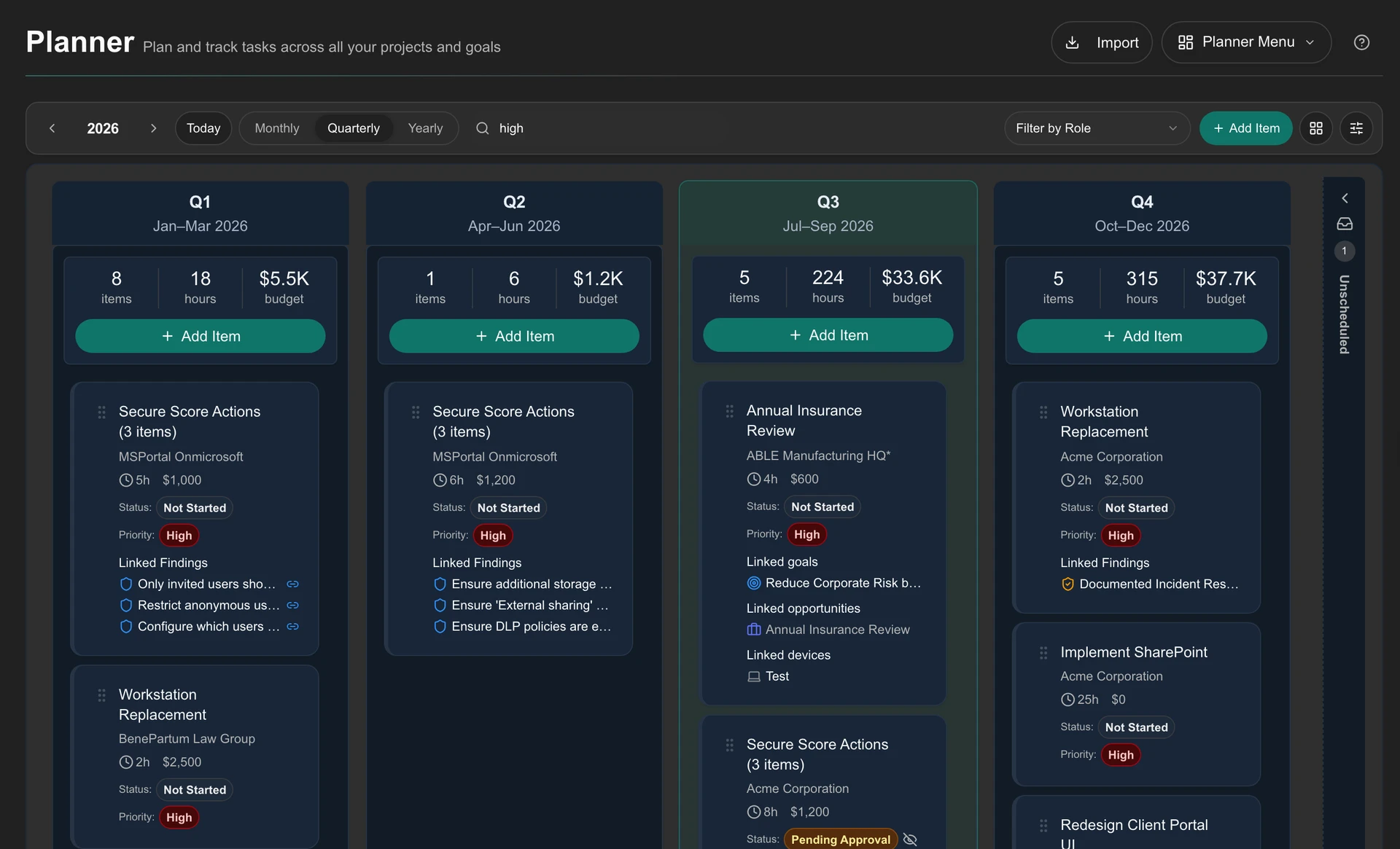
Each finding becomes a costed item on the roadmap. Clients approve it in the portal.
They found the Wi‑Fi password without a ticket.
Client-safe articles from your documentation tool, in the same portal as everything else.
Clients log in to a portal with your name on it.
Your logo, one login. Clients with several locations switch between them in one click.
Your client sees the progress and the plan.
Live portal data makes the review specific: results, priorities, and decisions clients can act on.
The review ended with a yes.
Approvals, questions and progress stay in the portal until the next review.
Acme Dental
Prepared for Dana R. July to September 2026.
Executive summary
This quarter we resolved 142 requests, most on the same business day. All 48 devices are patched, and the new front-desk workstations went live on schedule. One decision needs you: six laptops leave warranty in January.
- 142 requests resolved
- 48/48 devices patched
- 3 projects delivered
Requests resolved by month
- Jul: 44
- Aug: 51
- Sep: 47
Your requests
#4821: Front-desk printer offline. In progress. Priya M. is working on it.
- Received: Friday 9:02 AM
- Assigned to Priya: Friday 9:06 AM
- In progress: New driver goes on at 1:30 PM
- Resolved: You’ll get an email and see it here
- New-hire laptop for Jordan: #4815 · Ready Thursday. Scheduled
- Shared mailbox access: #4809 · Closed Tuesday. Resolved
Security and compliance
Security score: 82 of 100. Up from 71 last quarter
- Multi-factor sign-in on every account
- Backups restored in a test this quarter
2 laptops without disk encryption. Recommended fix: turn on encryption. On your roadmap, p. 5. Security training: 18 of 22 staff done.
Your roadmap
Replace 6 laptops. Q1 2027 · 6 hours · $7,200. High. Why: these six leave warranty in January and are the slowest machines in the office.
Pending approval
Turn on disk encryption. Q4 2026 · $150 · from p. 4. Scheduled.
2027 IT budget: $18,400 of $24,000 planned. Planned spend by quarter, visible before any invoice.
Documents and how-tos
Synced from your IT team’s documentation. They choose what your staff can see.
- Print from your phone
- Set up email on a new phone
- After-hours emergency line
Your portal
Good morning, Dana. One login covers all three Acme locations.
Main St
- Requests: 2 open
- Invoices: 1 due Oct 15
- Devices: 48 managed
- Training: 3 assigned
- Security: Score 82
- Documents: 36 articles
How this review was built
Every block pulls live portal data. The written summary is an AI draft that Sam reviewed before sending.
- Executive summary: AI draft, reviewed
- Requests by month: Live data
- Security score: Live data
- Roadmap recommendations: 2 to approve
- Documents and portal: Live data
Send to Acme Dental
Dana approved 2 recommendations.
Laptop replacement starts January 5. Progress shows up in the portal as it happens.
NEXT REVIEW: January 14, 2027. Questions before then? Ask in the portal any time.
Sample client and figures, shown for illustration.